Step 1: 3 Ways to Check Your National Employment Learning Card Balance in Real-Time
This is a draft for the Naver blog post covering ‘Step 1: 3 Ways to Check Your National Employment Learning Card Balance in Real-Time’ from our previous outline. It has been written to enhance readability and align with Naver SEO (Search Engine Optimization).
Step 1: 3 Ways to Check Your National Employment Learning Card Balance in Real-Time
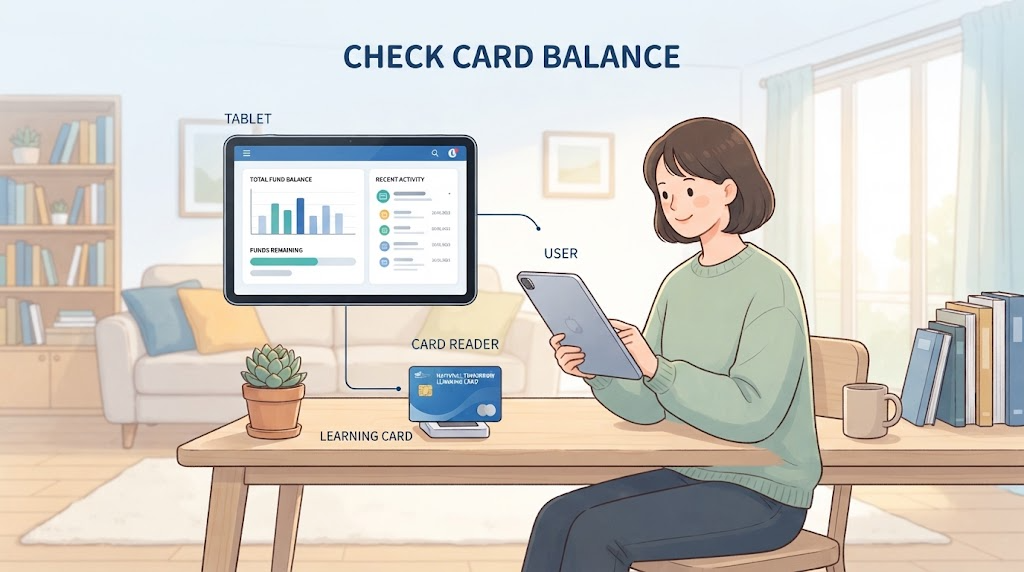
Before using the National Employment Learning Card to find training courses you want to take or to apply for registration, the very first thing you need to check is your ‘remaining card balance (support limit).’
Because the government support funds for courses you have already taken are deducted from your total personal support grant (3 million KRW to 5 million KRW), you must know your exact remaining balance to calculate your out-of-pocket tuition costs in advance.
Here are the 3 easiest and fastest ways to check your point balance. Choose the method that is most convenient for you!
① Using the Intuitive ‘Goyong24 (HRD-Net)’ Official Website (PC / Mobile Web)
With the integration of the former vocational training portal HRD-Net into ‘Goyong24’, checking your balance is now even more convenient. Here is how to check it easily via your PC or smartphone browser.
Access Path: Search for ‘Goyong24’ in a search portal and access the official website.
Login: Log in using your preferred method among a joint certificate, financial certificate, or simple authentication (Naver, Kakao, etc.).
Menu Navigation:
Click [My Page] in the upper right corner or the [My Information] menu on the main screen.
Select either [Subsidy/Card History] or [National Employment Learning Card] under the personal member service menu.
What to Check: You can view your remaining support limit amount, card expiration date, and issuance status all at a glance.
② Using the Convenient ‘Goyong24 Mobile App’ Anytime, Anywhere
This is the recommended method when you want to check your balance the fastest way possible using your smartphone. You can open the app and check within 1 minute even while on the go or right before academy registration.
App Installation and Execution: Download and run the ‘Goyong24’ app from the Google Play Store or Apple App Store.
Simple Login: Log in quickly using fingerprint recognition, facial recognition, or a simple PIN set during initial login.
Accessing the Inquiry Screen:
Tap the [My Page] icon at the top of the main screen.
Select the [Employment Learning Card] tab to see your available point balance and remaining training cost support limit displayed in real-time.
Tip: Turning on app push notifications is useful as you can receive real-time updates on training allowance payment dates or important card-related notices.
③ Checking via ARS Phone Call and the Ministry of Employment and Labor Customer Center (1350)
This is the most definitive analog method when using the internet or smartphone app is cumbersome, or checking via screen is difficult.
Contact: Ministry of Employment and Labor Customer Center (Without area code) ☎ 1350
How to Use:
Call the number 1350.
Follow the voice guidance to select employment and labor counseling (usually option 1 or the number related to employment incentives/National Employment Learning Card).
After connecting with a counselor and completing identity verification (resident registration number, etc.), you can immediately be informed of your remaining card balance and expiration date.
Note: This service is only available during weekday business hours (Monday to Friday, 09:00 – 18:00), so we recommend using online method ① or ② during weekends or at night.
In the next step, we will take a detailed look at specific tips for checking your balance while viewing the Goyong24 app screen and core precautions you must know when using your card!

Step 2: Follow Along on the Screen (Real-Time Inquiry Guide Based on the Goyong24 App)
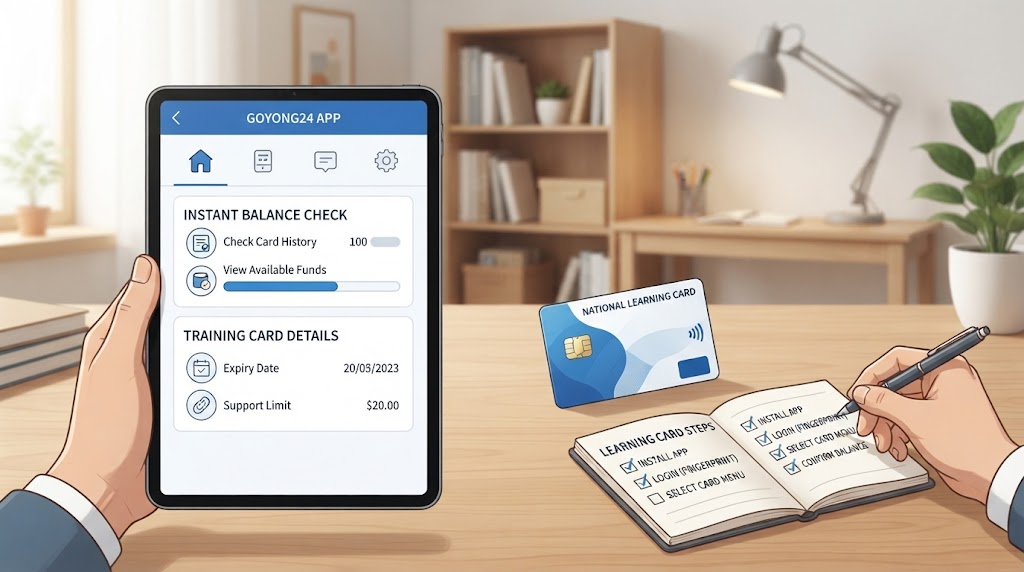
Among the inquiry methods we looked at earlier, based on the ‘Goyong24 App’ which is most frequently used in mobile environments, we have prepared a detailed inquiry guide that you can actually follow along with while looking at your smartphone screen.
Step 2: Follow Along on the Screen (Real-Time Inquiry Guide Based on the Goyong24 App)
As mentioned, the Goyong24 App is intuitively designed so you can immediately check your remaining subsidy balance with just a few touches. Please follow along step by step while looking at your screen below.
- Running the App and Logging In
Launch the [Goyong24] app on your smartphone.
Touch the [Login] button at the top right or bottom of the main screen.
Complete your login after identity verification using a joint certificate, financial certificate, or convenient simple authentication (Naver, Kakao, etc.) that you normally use.
- Entering My Page
Once login is complete, you will return to the main screen.
Touch the [My Page] icon located at the top of the screen (or the bottom menu bar) or your profile area displaying your name.
You can view a summary of the individual member’s overall usage status on the My Page main screen.
- 3. Selecting the ‘Subsidy/Card History’ Menu
Find and touch either the [Subsidy/Card History] or [National Employment Learning Card] item among the sub-menus of My Page.
Here, the list of issued cards along with their current status (in use, expired, etc.) will be displayed.
- 4. Detailed Real-Time Check of Balance and Limits
Selecting your National Employment Learning Card item will open the details page.
From this screen, you can check the following core information in real time:
Total Support Limit: The initial basic support amount granted (e.g., 3 million KRW)
Used Amount (Government Subsidy): The cumulative amount deducted from courses you have completed or are currently taking
Remaining Support Subsidy (Point Balance): The actual balance available for future training courses
Card Expiration Date: The expiration date until which the card can be used
💡 Useful Tip for Checking!
After checking your balance, if there is a training course you wish to take, you can search for the course directly in the in-app search bar to pre-simulate the ‘estimated out-of-pocket tuition cost’.
Please make sure to check that your balance is sufficient before registering with a training institution to prevent any application mistakes.

Step 3: Core Tips You Must Know When Using the Employment Learning Card
If you have checked your National Employment Learning Card balance and are preparing to apply for training courses in earnest, there are practical tips you must know to build your budget efficiently and not miss out on benefits. Here are 3 core tips to help you save on tuition fees and maximize your subsidy support.
- Checking Training Allowance Conditions (Securing an Attendance Rate of 80% or Higher)
Support Details: When taking a long-term training course of 140 hours or more through the National Employment Learning Card, a training allowance under the name of transportation and meal expenses is paid monthly during the training period. (Up to hundreds of thousands of KRW supported per month when conditions are met)
Core Precautions:
The allowance is normally paid only if you attend 80% or more of the total attendance days.
Because your attendance rate can be deducted based on accumulated counts of tardiness, early leaves, and going out, you must strictly manage your attendance.
Since additional support benefits for training allowances vary depending on the type of National Employment Support System, it is recommended to check your participation status in the system before taking the course.
- Carefully Weighing the ‘Out-of-Pocket Cost’ Ratio by Course
Support Limit Deduction Method: Just because you have a card balance of 3 million KRW does not mean all courses are 100% free. Because government support rates differ depending on the employment rate by job category, out-of-pocket costs that you must bear will occur.
Cost-Saving Tips:
Digital and new technology fields (such as K-Digital Training) and national strategic industry sector training are either completely free or have very low out-of-pocket costs.
Since general regular courses have personal burden rates, you can prevent budget overruns by calculating the ‘estimated out-of-pocket cost’ in advance on the Goyong24 detail page before applying.
- How to Cope When Your Balance is Insufficient or Expiration Date is Approaching
Utilizing Additional Support Limits: Even if you have exhausted your basic 3 million KRW, if you meet certain conditions (such as low-income earners, fixed-term workers, or micro-business owners), you are given eligibility to receive an additional support grant of 1 million KRW to 2 million KRW.
Checking the Expiration Date: Since the card expiration period, which is 5 years from the date of issuance, causes the remaining balance to automatically vanish even if it remains, it is wise to plan and use the necessary education in advance within the period.
💡 Summary of Closing Tips
If you understand everything from card balance checking to training allowances and the out-of-pocket cost structure in advance, you can achieve your desired certification acquisition or job competency enhancement without trial and error. Based on what we covered today, try upgrading your competencies affordably!
Next, if you need the closing conclusion part of the post, 16:9 thumbnail image generation prompts good to attach to a blog post, or English SEO meta tag arrangement, please feel free to let me know!
Korean version: 한국어로 읽기