
Introduction: Tips for filling out the health screening questionnaire on your mobile device in advance before your visit
Introduction: The Magic of Mobile Questionnaires That Cut Hospital Waiting Time in Half
Everyone probably has at least one annoying memory of arriving at the hospital on the day of their health checkup, receiving a paper questionnaire, reading the tiny text, and checking boxes with a pen.
Geon-gang-geom-jin da-dang-il byeong-wone dochak-hae jong-i mun-jin-pyo-reul ba-da deul고 깨알 같은 글씨를 읽으며 펜으로 체크하던 번거로운 기억, 다들 한 번쯤 있으실 겁니다.
Relieving Waiting Room Stress: Writing paper questionnaires manually at a crowded hospital lobby not only causes eye strain and delays the start of your examination, but it also adds unnecessary waiting time for both you and the medical staff.
The Smart Solution: By filling out the mobile questionnaire in advance through your smartphone before stepping into the clinic, you can skip the paperwork hassle entirely and breeze through the check-in process seamlessly.
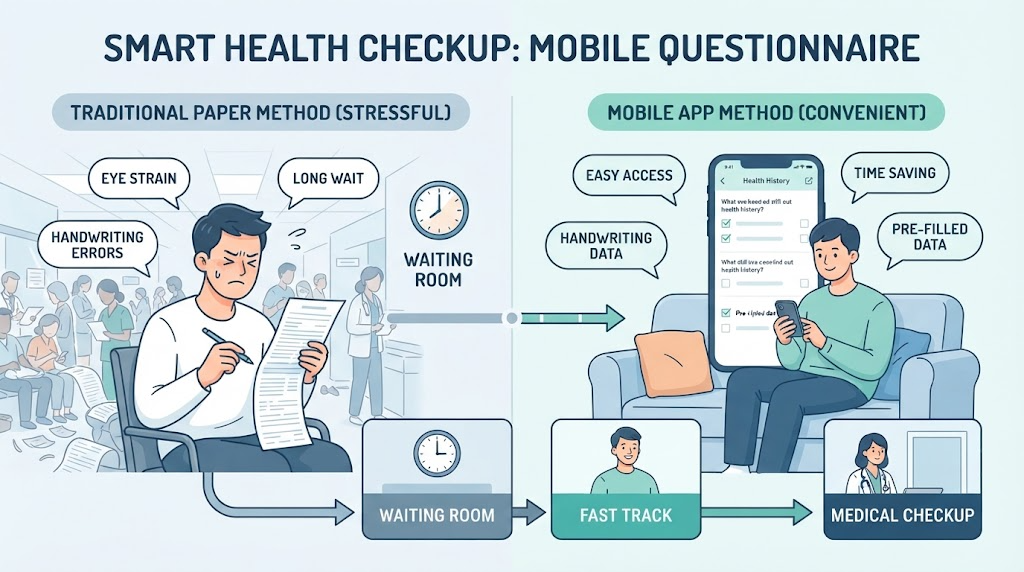
How to Complete Your Mobile Health Screening Questionnaire in Just 3 Minutes Using a Smartphone
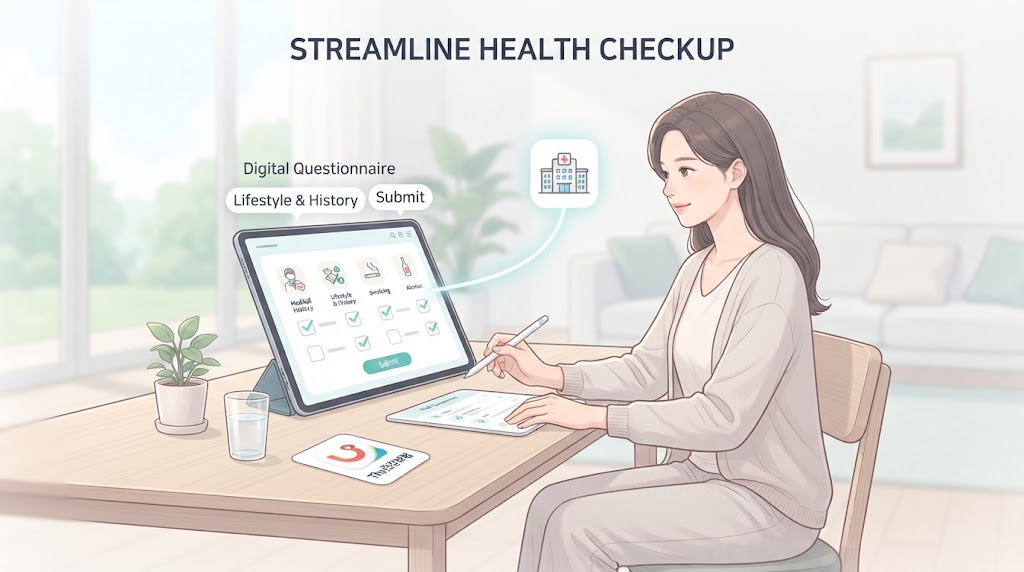
Here is a detailed, step-by-step guide on how to fill out your health questionnaire in advance before visiting the hospital, using the official National Health Insurance Service app ‘The건강보험’ or the healthiN mobile web. After logging in via simple authentication on your smartphone, you can access the health checkup target inquiry and questionnaire menu, check items such as smoking, drinking, and medical history, and complete the final submission so that you can check in immediately on the day of the exam without having to fill out a separate paper form.
Simple Authentication Login and Menu Navigation: Launch ‘The건강보험’ app, log in using a simple authentication method such as Naver or Kakao, and quickly navigate to the ‘Health Screening’ or ‘Questionnaire/Survey Writing’ menu on the main screen.
Checking Questionnaire Items and Submission: Carefully check the questions regarding your usual lifestyle habits (smoking, drinking, exercise, etc.) and past medical history, then click the final submission button. This will sync in real time with the hospital system, dramatically reducing your waiting time at the clinic on the day of the checkup.
Choose what you would like to know next:
I’m curious about tips or precautions when filling out the mobile questionnaire.
What should I bring when visiting the hospital after completing the questionnaire?
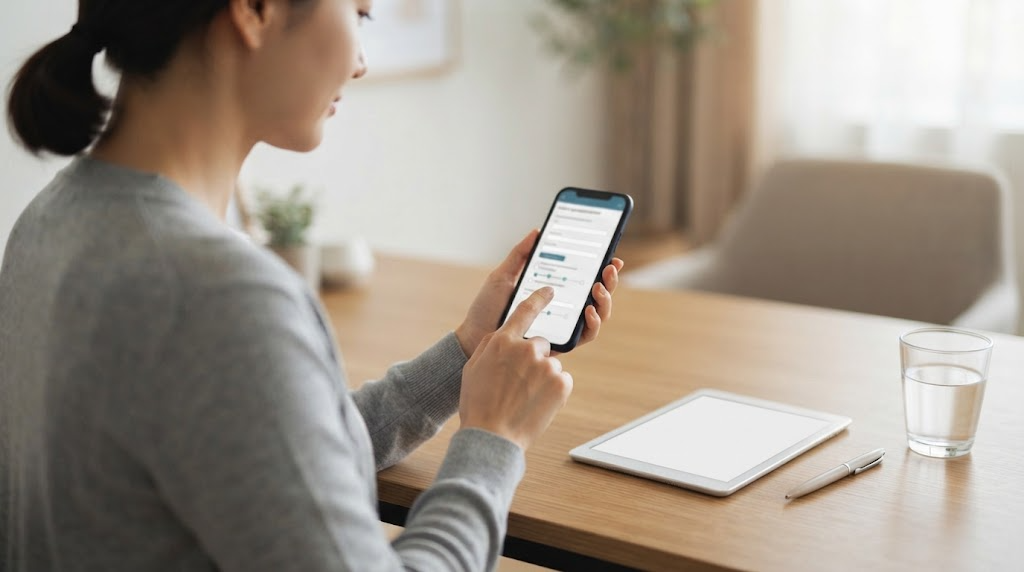
Essential Tips and Precautions to Keep in Mind When Filling Out the Mobile Questionnaire
Here are useful tips that are easy to miss and precautions to prevent minor mistakes when filling out your health screening questionnaire in advance on your mobile device.
Utilizing the Save Draft Function: If there are too many questionnaire items and it’s cumbersome to fill them out all at once, you can click the ‘Save Draft’ button to preserve your progress and continue writing later.
Be Sure to Check Completion Status: After completing the final submission, it is safe to double-check your ‘Questionnaire Completion Certificate’ or submission history to ensure it can be retrieved properly online when you visit the hospital.
Precautions for Smartphones in Your Name or Proxy Filling: Since personal authentication is mandatory, you should fill it out on a smartphone under your own name if possible. If you are elderly or find it difficult to use a smartphone, it is also useful to check in advance how a guardian can log in and fill it out on your behalf.
Choose what you would like to know next:
What should I bring when visiting the hospital after completing the questionnaire?
When and how can I check my health screening results?
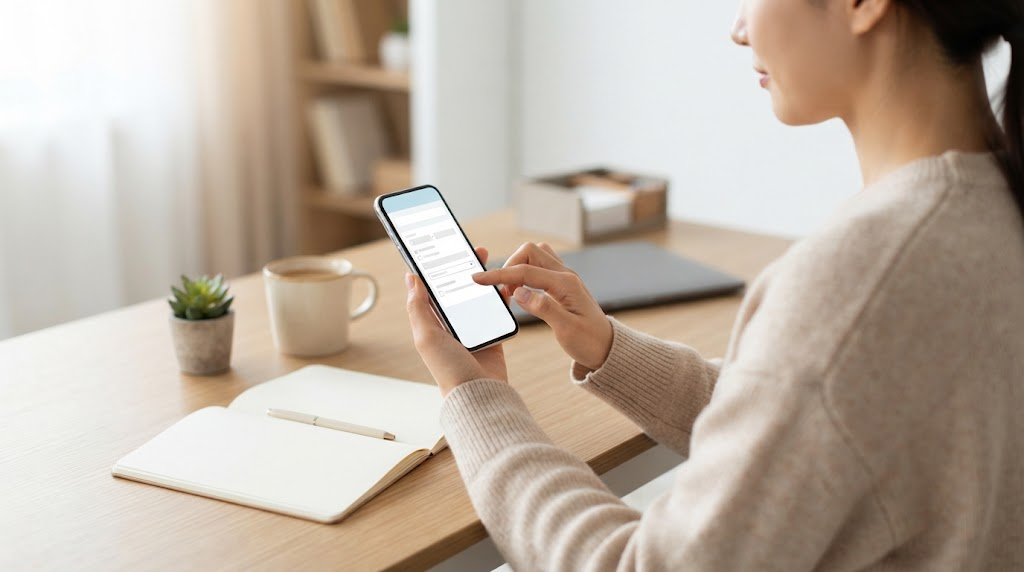
Conclusion: Enjoy a Relaxed Health Screening with Smart Mobile Questionnaire Completion
So far, we have looked into how to fill out your health screening questionnaire in advance using the National Health Insurance Service mobile app or healthiN before visiting the hospital, along with useful tips.
Instead of exhausting yourself filling out complex and long paper forms in the hospital lobby on the day of your checkup, simply completing it in advance on your mobile device at home or while commuting can significantly shorten your waiting time and allow for a more relaxed screening. We hope you comfortably and thoroughly take care of your precious health this year through the smart changes brought by small preparations.
We hope today’s post was helpful in preparing for your healthy daily life, and we wish you an always energetic and healthy day! If you have any questions, please feel free to leave a comment. Thank you!
Minimize Waiting Time: Filling out the questionnaire on your mobile device before visiting the hospital drastically reduces on-site check-in and waiting times, making your screening process much smoother and more relaxed.
Importance of Checking Advance Submission: Double-check within the app to ensure your final submission was completed normally, and bring your ID along on the day of your visit for a smooth and prompt health checkup.
Korean version: 한국어로 읽기