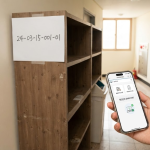
Introduction: Tired of visiting the community center to buy a sticker when throwing away bulky waste?
When preparing for a move or a major cleanup and needing to dispose of bulky waste like old wardrobes, mattresses, or sofas, the most cumbersome process was undoubtedly visiting your local community center in person or hunting down a printer on the district office website to issue a sticker.
Everyone has probably had the experience of struggling to find time on a weekday to visit the administrative welfare center counter, or having difficulty printing out a paper payment certificate because they didn’t have a printer at home.
However, thanks to the spread of smartphones and digital innovation in administrative services, local government-exclusive “collection apps” are becoming active. These apps allow you to recognize bulky waste items and complete immediate payment just by taking a picture with your smartphone camera, eliminating the need to go through the hassle of running errands.
How does applying for bulky waste using an app differ from traditional methods, and how convenient is it? Let’s take a look at the advantages of smartphone camera item recognition and real-time estimate checking in the following section.
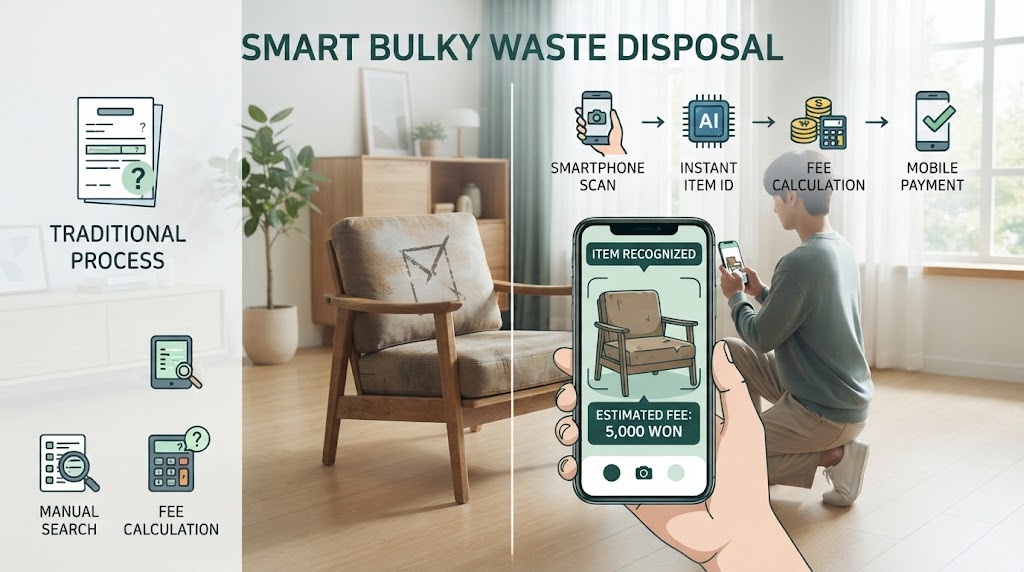
Advantage ① of using apps: Item recognition and estimate checking via smartphone camera
One of the most innovative and convenient features when using a local government-exclusive bulky waste collection app is the item recognition and real-time estimate checking system utilizing the smartphone camera.
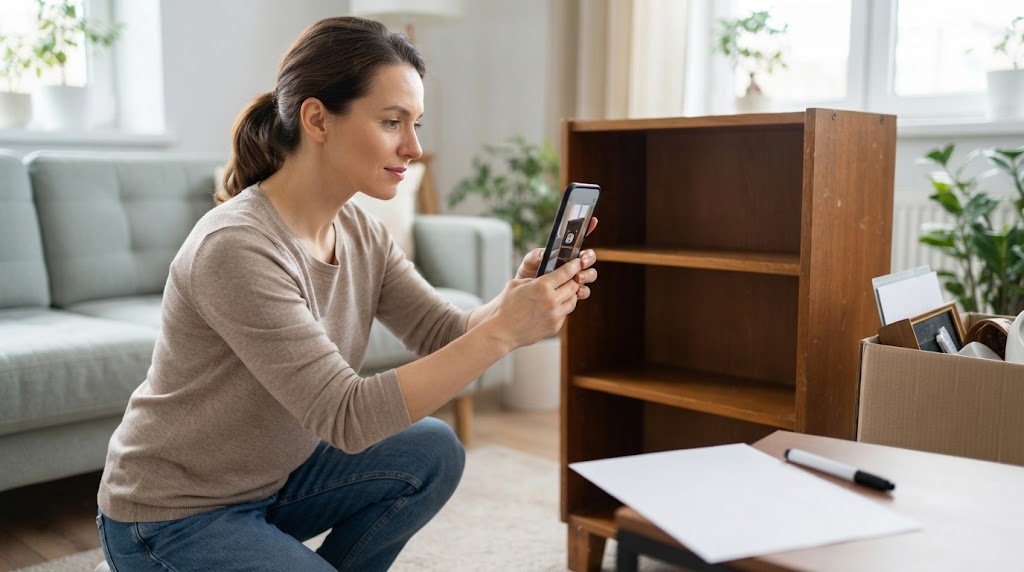
① Easy item recognition through camera shooting: When you take a picture of the furniture or home appliance you want to throw away using your smartphone camera, artificial intelligence (AI) or image matching technology within the app automatically analyzes and recommends the type and standard of the item. The hassle of having to search through countless waste lists one by one disappears.
② Transparent real-time fee inquiry by neighborhood and standard: Based on the user’s GPS location or address, the application immediately applies the latest bulky waste disposal fee criteria of the jurisdiction. When you select the width, height, or detailed options per item, the estimated cost is immediately displayed on the screen, allowing you to transparently compare and check your budget.
③ Guarantee of accurate reporting without errors: It prevents situations where collection is refused due to miscalculated fees or arbitrarily entered standards in advance, thereby reducing administrative waste.
Once you have recognized the item with a single photo and checked the accurate estimate, the next step is the payment and discharge number issuance process without worrying about printing a sticker. Check it out in detail through the content following in the next section.
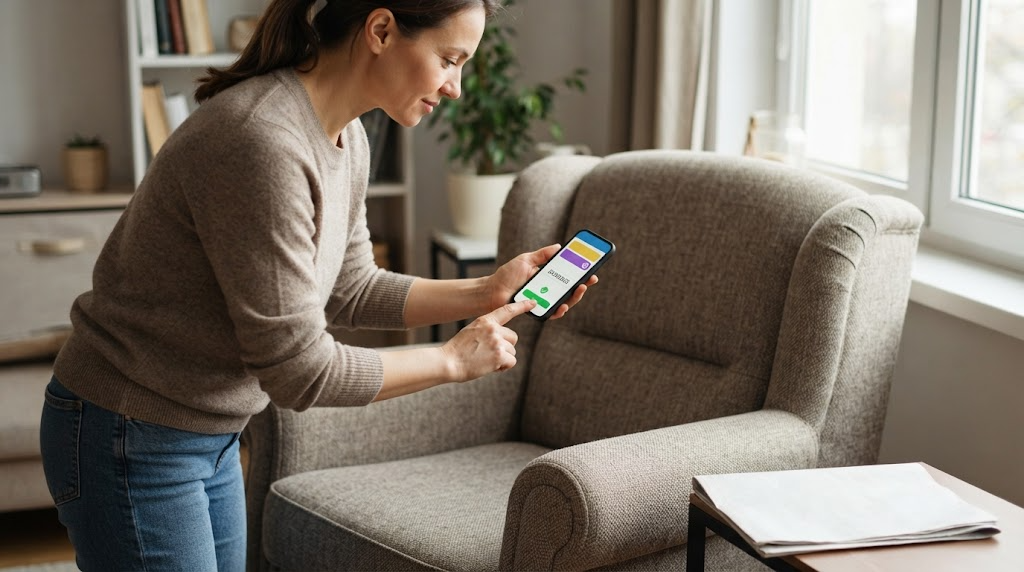
Advantage ② of using apps: Payment without worrying about printers and easy issuance of discharge numbers (certificates)
The second powerful benefit provided by bulky waste collection apps is “non-face-to-face payment without worrying about printer output” and an “easy discharge number (certificate) issuance system”.
① Smartphone easy payment system: The complicated payment process that used to require bringing cash to the community center or mobilizing a PC, public certificate, and printer on the district office website is resolved in just a few seconds within the app using mobile easy payments such as credit cards, Kakao Pay, and Naver Pay.
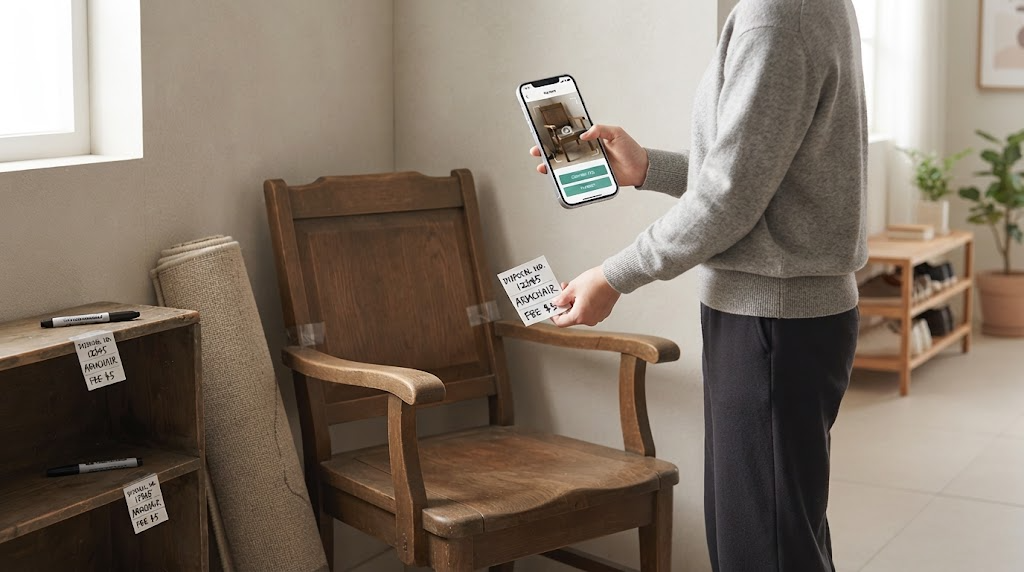
② Issuance of handwritten discharge numbers (certificates) requiring no printer: Once the fee payment is completed, the app issues a unique “discharge number (certificate number)” on the screen to replace the paper sticker. Even if you do not have a printer at home, you can simply write the discharge number, item name, and payment amount provided by the app in large handwriting with an oil-based pen on blank paper (such as A4 paper) or a receipt, and securely attach it to the waste with transparent tape to finish it completely.
③ Minimization of loss and damage risks: Unlike paper stickers, there is less risk of them getting wet in the rain, tearing, or blowing away and getting lost in the wind, and the payment information and discharge number are safely recorded in the smartphone app history so you can check them again anytime.
Now that you know how to easily make payments without a printer and get a discharge number issued, it is time to learn the entire practical steps for downloading the app and applying on an actual smartphone. Check out the practical application guide in the following section.
Practical application guide: From downloading the local government-exclusive collection app to application and disposal
If you have fully understood the advantages of bulky waste apps, let’s now look at the step-by-step practical process of taking out your smartphone, installing the app directly, and completing everything from application to disposal. Utilizing the official app partnered with each local government (e.g., services linked with local governments such as “Ppaegi”, “Yeogiyo”, or a district office-exclusive app) makes the process even smoother.
① App download and membership registration: Access the Google Play Store (Android) or App Store (iOS), search for the bulky waste collection app supported by your district of residence (or a civil complaint app linked to nationwide services), and download it. Proceed with simple membership registration and identity verification.
② Location setting and item photography/selection: After launching the app, set your current place of residence via GPS or directly enter your address. Next, take a picture of the furniture or home appliance you want to throw away using your smartphone camera to have the item recognized, or directly select the item from the category list.
③ Desired collection date designation and mobile payment: Select the date and time zone you wish to dispose of the item, and accurately enter the detailed disposal location (e.g., front of the entrance, villa parking lot, etc.). After checking the final fee amount, complete the payment using a credit card or easy payment.
④ Entering the discharge number and disposing at the designated location: Once the payment is complete, write the issued “discharge number” in your own handwriting on a blank piece of paper, securely attach it to the waste, and bring it out to the disposal location according to the designated date and time to neatly finish all procedures.
If you have completed the application and disposal through the smart app usage guide, it is now time to beautifully wrap up the entire content. Check out the concluding remarks in the following section.
When clearing out old furniture and appliances that used to be a headache ahead of a move or major cleanup, the days of running around in person to visit the community center or print papers are gone. By utilizing the local government-exclusive bulky waste collection app we looked at together today, you can resolve everything from item recognition to discharge number issuance right from inside your home in just a few minutes using a single smartphone camera snapshot and easy payment.
We hope that through smart app services that dramatically reduce complicated administrative procedures and wasted time, your heavy and exhausting house cleanup will turn into a much lighter and refreshing process.
iwaw.kr, which delivers essential practical information and residential tips for daily life, will continue to visit you with more useful and substantial content as your reliable everyday partner.
💬 Recommended articles to read together & communication guide
If you have any questions regarding how to use the bulky waste app or the collection application process, please feel free to leave a comment below anytime.
If today’s article was helpful, please receive the richest living information the fastest through sympathy (❤️) and adding neighbors. We sincerely wish you full of happiness and laughter in your new space!
Related Articles
Korean version: 한국어로 읽기